
Find 'Support & Help' in the App Menu
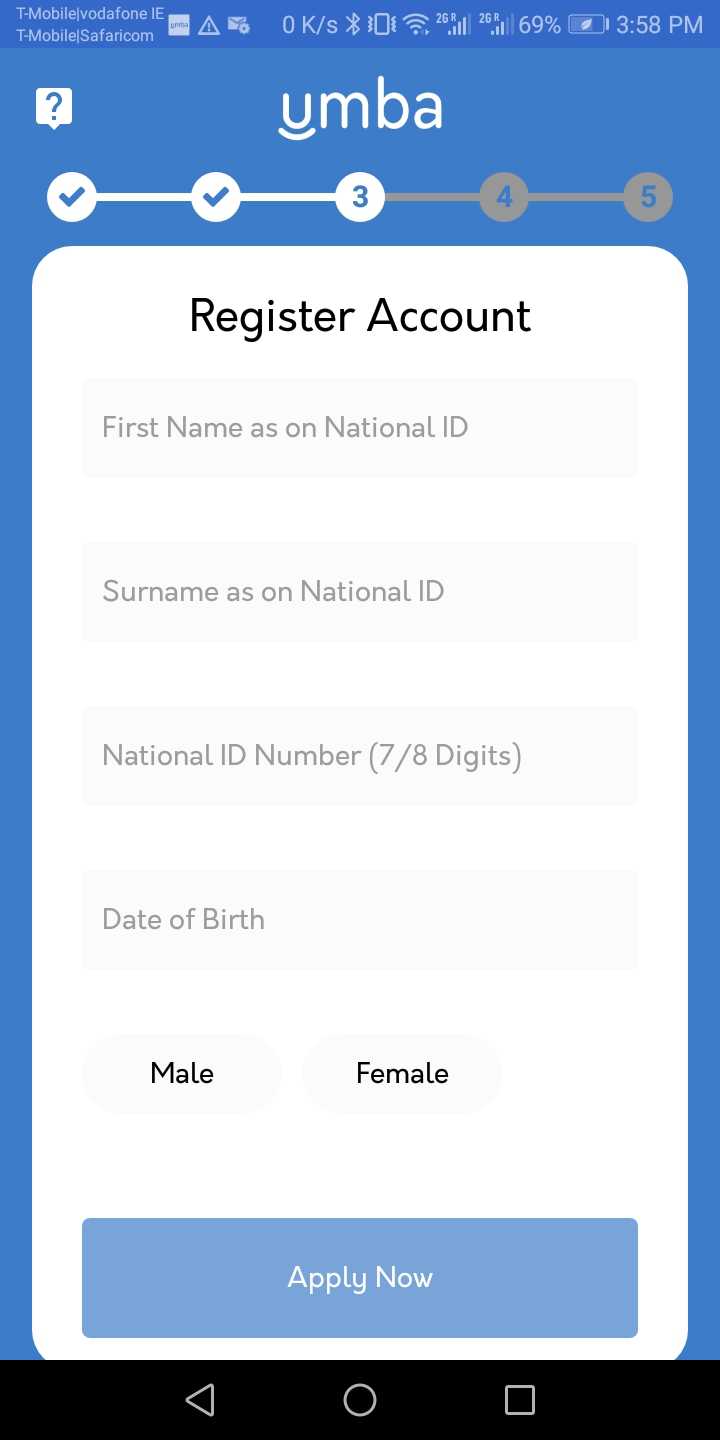
Once on your home screen, select the menu button in the upper left hand corner. If you have not finished registration select the '?' icon in the top left hand corner.
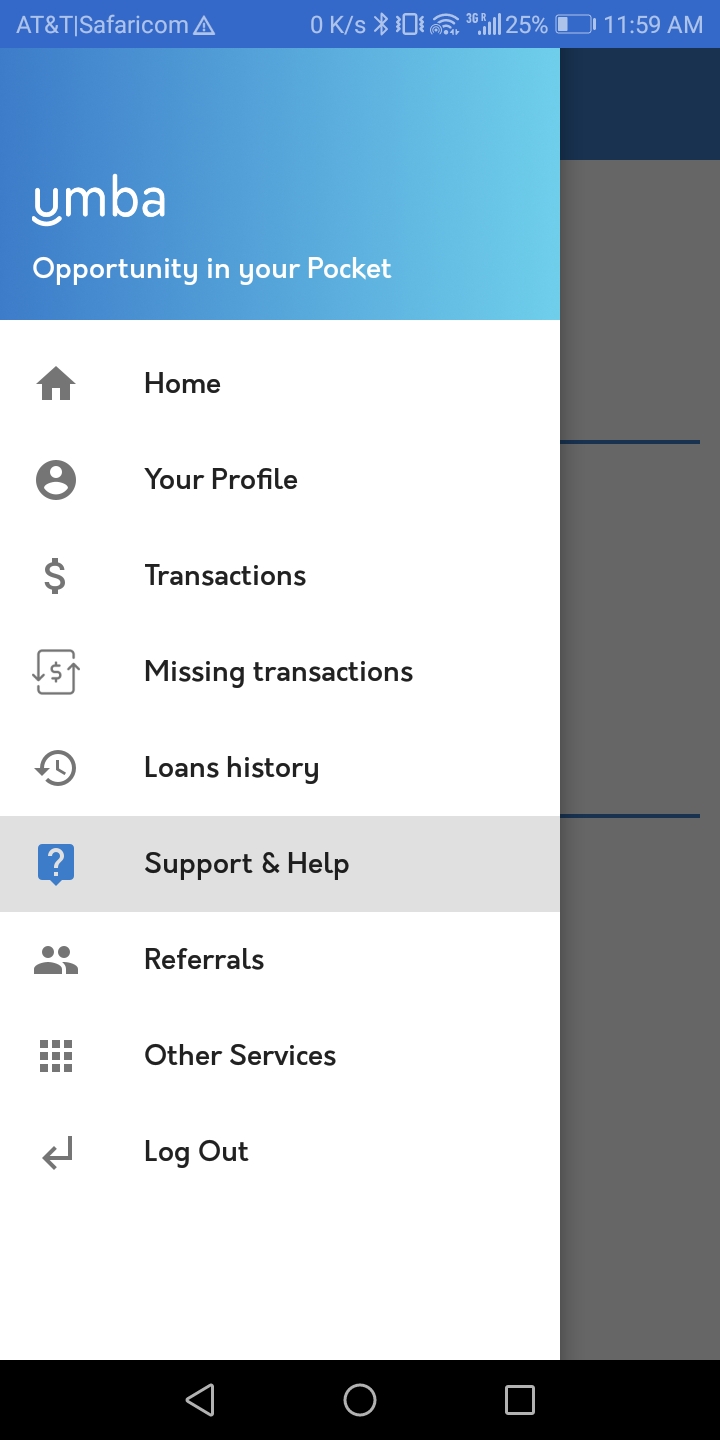
From this menu, select 'Support & Help'.
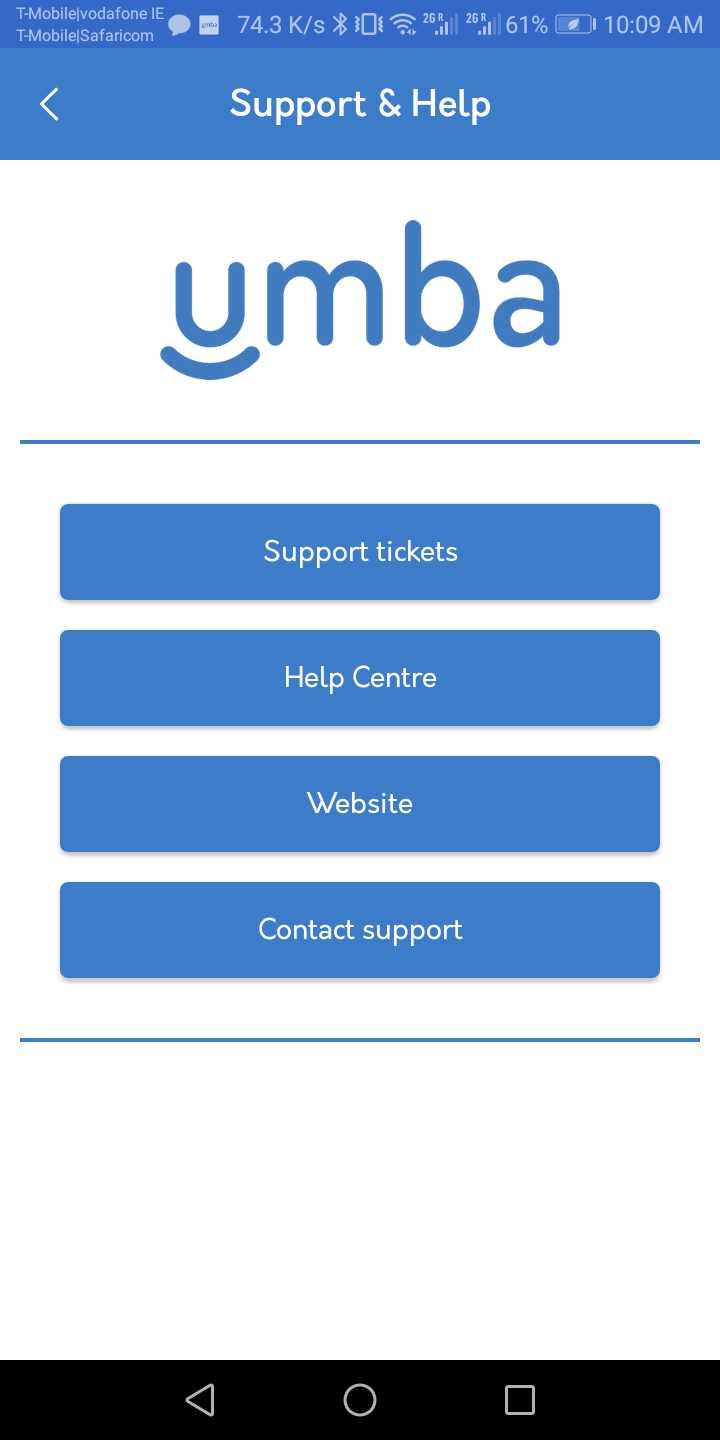
Select 'Contact Support'
If you'd like to talk to our staff quickly and easily in the Umba App, select 'Support' at the top of the menu.
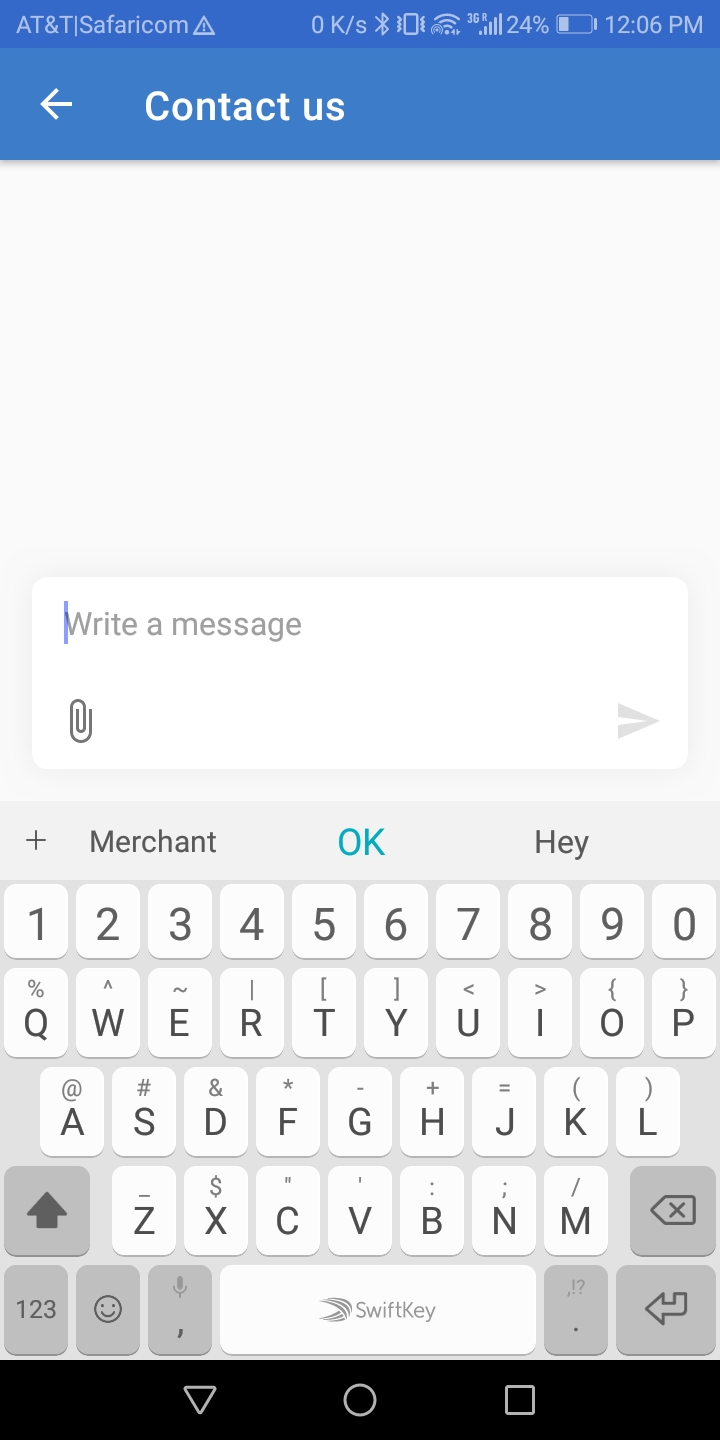
Tell us how we can assist you
Write a message explaining the issue you are having and how we can best assist you. Someone from our team will contact you shortly.
Select 'Support Tickets' to view your submitted tickets
After you've made the initial request, select 'Support Tickets' to view responses to your ticket from our team.
Comments
35 comments
I thought you people could have done better than this so useless 12000 that's my Last hope is now gone I still can't believe it I have been waiting for it to balance since morning but nothing is showing up no body is responding to my message message both live chat and email please you people should help me oo
I thought you people could have done better than this so useless 12000 that's my Last hope is now gone I still can't believe it I have been waiting for it to balance since morning but nothing is showing up no body is responding to my message message both live chat and email please you people should help me oo
Please am just hoping that this will get to you people please help me out to resolve the issue I really need the money please
Hello
Please how can I get the name of on my account statement
Please sign in to leave a comment.